AI-MARKDONE / MANUAL
Reader
Open a ChatGPT answer in Reader, adjust its layout, navigate headings and answers, then copy, keep excerpts, highlight, annotate, or ask a follow-up.
On this page
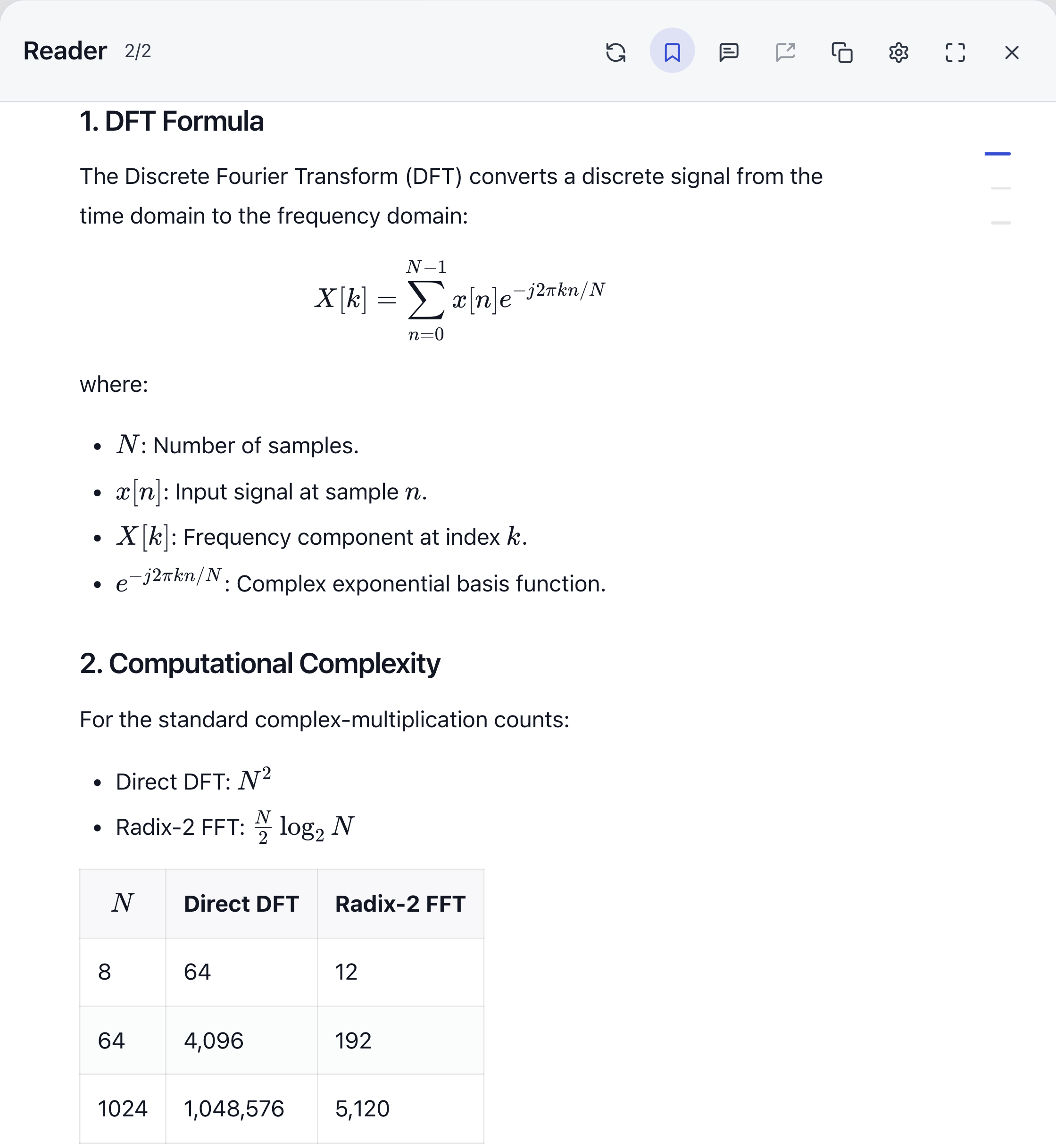
Reader opens one ChatGPT answer in a separate reading view, with formatted headings, paragraphs, lists, code, tables, and formulas. While reading a long answer, you can keep your place, collect earlier passages, record questions, and move between answers.
Open an answer
- Wait for ChatGPT to finish the answer, then move the pointer to the AI-MarkDone toolbar below it.
- Expand the toolbar if it is collapsed, then click Reader.
- Reader opens in fullscreen by default. Use the fullscreen button at the top right to change the window size.
An answer that is still generating cannot be opened directly. If the button is unavailable, wait for generation to finish and make sure the answer has loaded on the page.
Move between answers
Use the previous, next, and page controls at the bottom to move between collected answers. While reading the body, you can also use the left and right arrow keys to change answers, and the up and down arrow keys to scroll. Reader’s arrow keys work independently of the arrow-key navigation setting for the original page.
The page count reflects answers collected so far, rather than the entire conversation history. If an older answer is missing, return to ChatGPT and load that part of the conversation first. Reader remembers reading positions during the current page session; refreshing the page resets them.
Use the locate button at the bottom to return to the current answer on the ChatGPT page. After a successful jump, the Reader overlay closes.
Jump to a section
Reader can show a heading outline when an answer contains at least two Markdown headings. Click a heading in the outline to jump to that section.
If the outline is missing, check that the answer has enough headings, then check the heading outline option in Reader’s top-right settings. A bold sentence is not necessarily a Markdown heading.
Adjust the reading view
Open Settings at the top right of Reader to adjust the opening mode, text size, reading width, syntax highlighting, and heading outline. Turning off syntax highlighting changes code coloring; it does not remove code.
If an answer changes on the original page, use the refresh button at the top of Reader to read it again. Refreshing requires the source ChatGPT page to remain available.
Work with the current answer
| What you need | Action and result |
|---|---|
| Copy the whole answer | Use the top copy button to copy the current answer as Markdown. |
| Copy a passage | Select text and copy it. See Partial copy for formulas, code, and tables. |
| Keep an earlier passage beside the answer | Select text and choose Keep excerpt to add it to the Excerpt tray . |
| Mark text to revisit | Choose a highlight color . Highlights save in the current browser. |
| Write a revision note or question | Select text and add an annotation . Whether it survives a refresh depends on the annotation saving setting. |
| Save the answer | Use the top bookmark button to save a snapshot of the answer and its corresponding question. See Bookmarks and Library . |
| Ask a follow-up | Open the lower-left send box, enter a question, and send it. You can also insert annotations, review the text, and then send. |
What remains after closing Reader
Reader does not automatically bookmark every answer you open. Excerpts belong to the current page session, highlights save locally, and annotations follow Save new annotations for later. Create a bookmark when you need to keep a full answer.
The page controls also include an experimental separate Reader entry. Refreshing, sending, and locating from the separate Reader still require the source ChatGPT tab, so keep that tab open while using it.