AI-MarkDone

Make ChatGPT feel built for serious work.

AI-MarkDone adds Reader mode, partial Markdown copy, formula copy/export, bookmarks, batch export, and precise annotations to ChatGPT.

Feature guide

Change how ChatGPT fits into your work.

AI-MarkDone is for heavy ChatGPT users, especially researchers and STEM workers. It brings scattered copying, screenshots, exports, and annotations into a more efficient ChatGPT workflow.

Reader

Reader

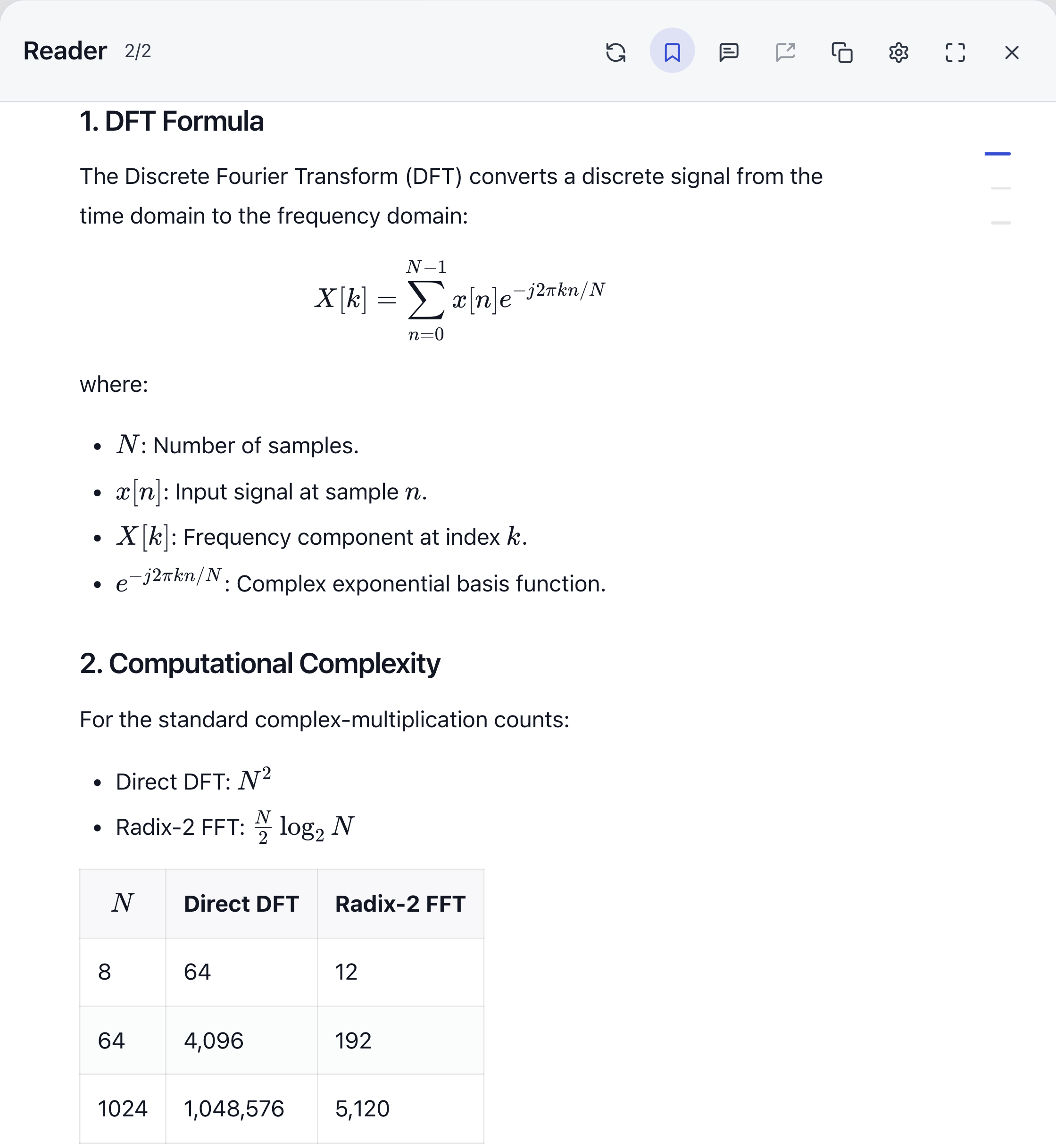
ChatGPT is great for conversation, but long answers need a quieter surface. Reader keeps formulas, code, and tables intact in a focused reading view.

  • A quieter reading surface.
  • Code, tables, and formulas stay intact.
  • Better for papers, derivations, and long code explanations.
Screenshot placeholder
Image to add later

Add a Reader screenshot with body text, formulas, code, headings, and ideally the partial copy or annotation action visible.

More in Reader

Partial Markdown copy

Select a passage and copy it as Markdown, with lists, code, and formulas kept as clean as possible.

Screenshot placeholder
Image to add later

Add a screenshot of selected text with the partial Markdown copy action visible.

Precise annotations

Leave a note beside the exact sentence you want to question, rewrite, or turn into the next prompt.

Screenshot placeholder
Image to add later

Add a screenshot of selected text with the annotation input and copy action visible.

Message switching

Move between nearby messages inside Reader instead of scrolling back through the original thread.

Screenshot placeholder
Image to add later

Add a Reader screenshot showing message switching or the heading structure.

Formula

Formula copy/export

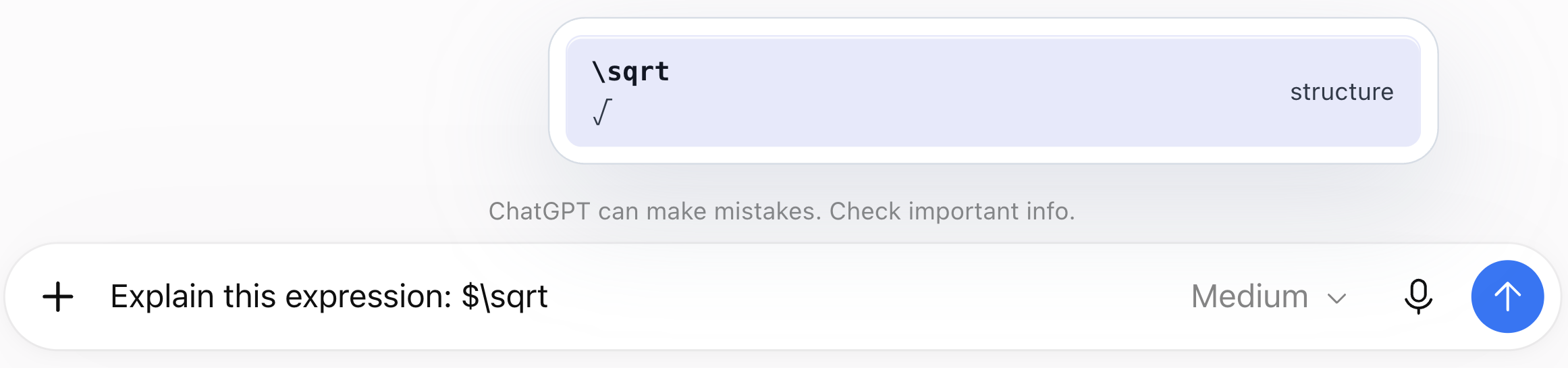
When you only need one formula, you should not have to dig it out of a whole Markdown block. Formula actions let you copy LaTeX or export PNG, SVG, and MathML for papers, slides, and notes.

  • Copy LaTeX source.
  • Export PNG or SVG.
  • Keep MathML available.
Screenshot placeholder
Image to add later

Add a screenshot of the formula hover menu showing LaTeX, PNG, SVG, and MathML actions.

Bookmark

Bookmarks

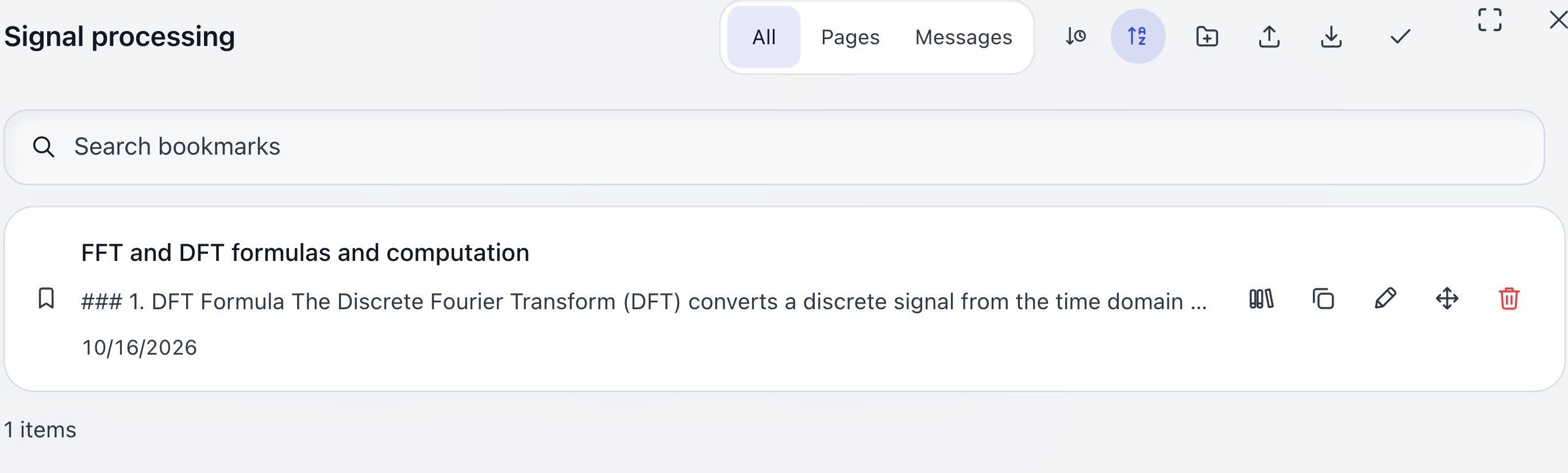
Useful AI answers are easy to lose a few days later. Bookmarks keep the answer and its source position, with folders, search, preview, and a path back to the original spot in ChatGPT.

  • Folder organization.
  • Search and preview.
  • Jump back to source.
Screenshot placeholder
Image to add later

Add a bookmark panel screenshot showing folders, search, preview, and the source-jump entry.

Export

Batch export

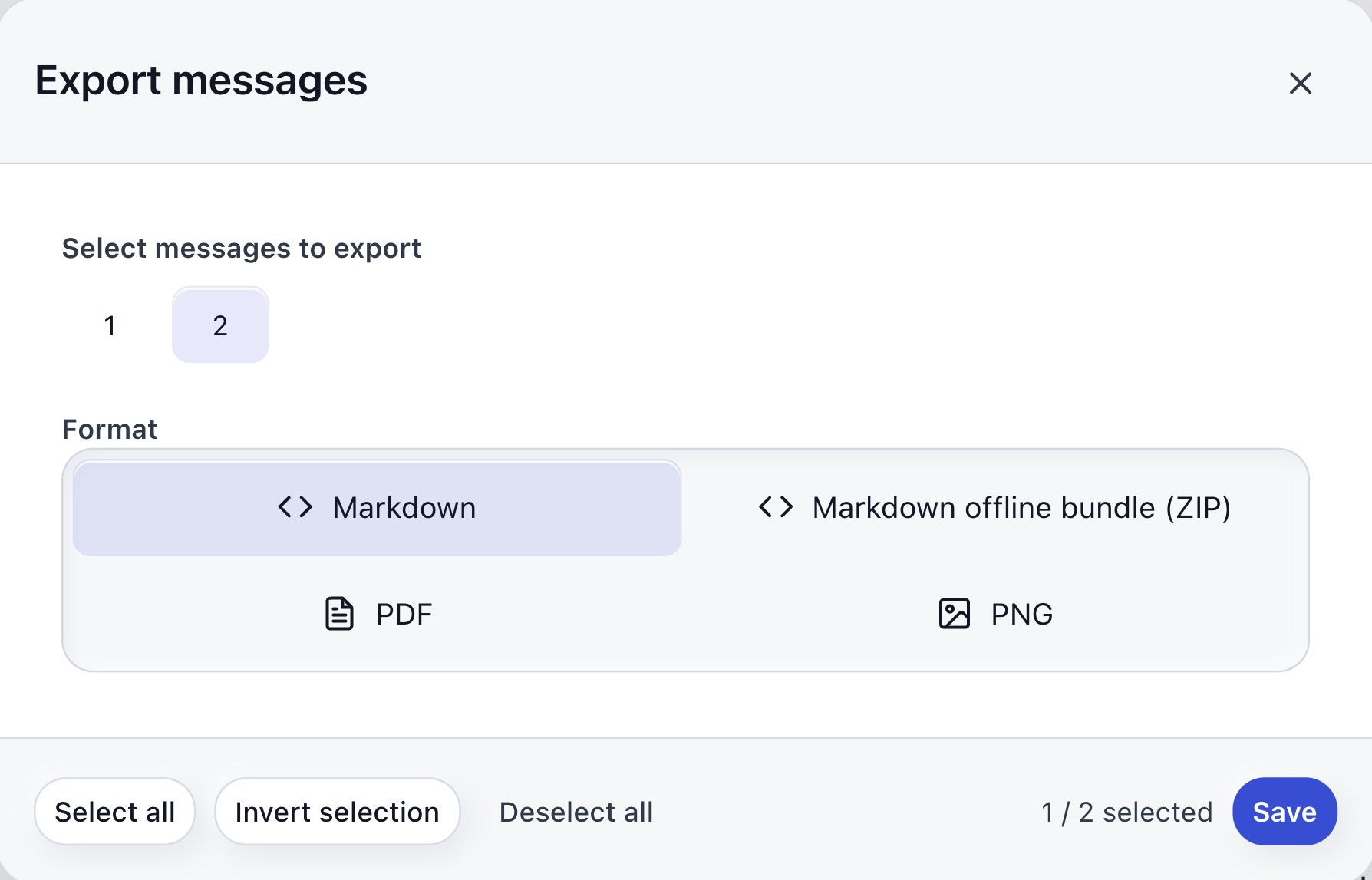
Screenshots, copying, saving, and cleanup usually become separate chores. AI-MarkDone brings common export paths together: Markdown, PDF, PNG, multi-image ZIP, and Save Messages for batch saving.

  • Markdown stays editable.
  • PDF and PNG archive cleanly.
  • ZIP and Save Messages handle batches.
Screenshot placeholder
Image to add later

Add an export dialog screenshot showing Markdown, PDF, PNG, ZIP, or the Save Messages flow.

Backup

Google Drive backup

When bookmarks start to matter, local storage deserves a safer copy. Connect your own Google Drive to back up AI-MarkDone bookmark snapshots, then restore with safe merge instead of overwriting local data.

  • Connect Google Drive yourself.
  • Back up bookmark snapshots.
  • Restore with safe merge.
Screenshot placeholder
Image to add later

Add a Data Management or Google Drive backup screenshot showing connection status, Back up now, Manage backups, or safe-merge restore.

Settings

Settings

AI-MarkDone is meant to be trimmed to your habits instead of pushing every button into view. You can tune the toolbar, formula actions, Reader width, font size, theme color, and export image width so the tools you actually use stay close.

  • Trim the toolbar.
  • Tune Reader appearance.
  • Set formula and export actions.
Screenshot placeholder
Image to add later

Add a settings screenshot showing toolbar switches, formula actions, Reader options, and export image settings.

Open the full feature table

Local-first trust

A focused extension, not another content platform.

The trust model is deliberately simple: focus on ChatGPT, do the work in the browser, avoid an owned backend, and keep the code public.

Built around ChatGPT Directory, Reader, copy, annotation, and export are shaped around real ChatGPT use.
Local-first Work happens in the browser. Related content is written to extension storage only when you choose to save a bookmark.
No owned server AI-MarkDone has no owned backend receiving your ChatGPT content and no usage analytics pipeline.
Free and open source The project stays free and open source, with code, issues, and build notes visible on GitHub.
Read privacy notes

User feedback

3,000+ users are using AI-MarkDone.

People who live in long ChatGPT threads are using it to read, copy, save, annotate, and export answers with less cleanup.

Hsi Lye Chrome Web Store
好用的,推荐!
Vannessa Safley Chrome Web Store
超级好用!
angma Chrome Web Store
非常棒的功能,强大且方便,有效节省时间!
谭梓琦 Chrome Web Store
牛啊,直接复制markdown粘贴到飞书文档,工作效率翻倍。
张弦智 Chrome Web Store
好用,牛逼
Hsi Lye Chrome Web Store
好用的,推荐!
Vannessa Safley Chrome Web Store
超级好用!
angma Chrome Web Store
非常棒的功能,强大且方便,有效节省时间!
谭梓琦 Chrome Web Store
牛啊,直接复制markdown粘贴到飞书文档,工作效率翻倍。
张弦智 Chrome Web Store
好用,牛逼